As an Amazon Associate, we earn from qualifying purchases. Some links on this site are affiliate links at no extra cost to you. Our recommendations are based on thorough research and editorial judgment.


Dual-Mode Monitors: Switching Between 4K 120Hz and 1080p 480Hz on the Fly

Dual-mode OLED monitors leverage DisplayPort 1.4 bandwidth to switch between 4K 120Hz and 1080p 480Hz modes via firmware-based hotkey activation, eliminating lag or artifacts during changes. Story-driven games benefit from 4K’s enhanced detail and 98.5% DCI-P3 color accuracy, while competitive shooters exploit 1080p’s 0.03ms Gray-to-Gray response time for rapid reactions. OLED technology delivers infinite contrast and true blacks, though burn-in risks exist; most monitors include two-year warranties covering this concern. Understanding these specifications, connectivity requirements, and warranty particulars provides essential groundwork for informed purchasing decisions.
Key Takeaways
- Dual-mode OLED monitors switch between 4K 120Hz for story games and 1080p 480Hz for competitive shooters via hotkey.
- DisplayPort 1.4 and HDMI 2.1 provide sufficient bandwidth to enable seamless mode switching without lag or stuttering during gameplay.
- Monitor firmware handles rapid adjustments upon hotkey activation, ensuring smooth transitions between different resolution and refresh rate configurations.
- OLED technology delivers 0.03ms Gray-to-Gray response times and infinite contrast, optimizing both visual quality and competitive gaming performance.
- Two-year warranties typically cover burn-in risk, but verify coverage details and ensure specifications meet your gaming needs before purchasing.
What Is Dual-Mode OLED Gaming Technology?
What Is Dual-Mode OLED Gaming Technology?
Ever feel stuck choosing between a monitor that looks gorgeous but can’t keep up with fast-paced games, or one that’s lightning-quick but makes everything look flat and washed out? Dual-mode OLED displays actually solve that problem.
Here’s what makes them different: these monitors use OLED panels that give you infinite contrast, near-instant 0.03ms response times, and true blacks you’ve never seen before. But instead of being locked into one setup, you can switch between two completely different modes using a hotkey.
The two modes break down like this:
- 4K UHD mode: 3840 x 2160 pixels at up to 240Hz—perfect for story-driven games where you want that cinematic, immersive look
- 1080p mode: 480Hz refresh rate—built for competitive shooters and fast-paced games where every millisecond counts
So why does this matter? You’re not making a compromise anymore. You don’t have to pick between stunning visuals and competitive responsiveness. The switch happens in seconds thanks to DisplayPort 1.4 and HDMI 2.1 connections, so you can literally swap between modes mid-gaming session if you want.
Honestly, the best part is you’re getting full color gamut performance in both modes. You’re not sacrificing anything on the visual side just to get that speed boost. It’s the same high-quality display—you’re just adjusting the resolution and refresh rate to match what you’re actually playing.
If you game across different genres, this technology lets one monitor handle everything without compromise. What matters more to you in your setup—picture quality or response time?
Story Games vs. Competitive Shooters: Which Mode for Your Play Style?
Story Games vs. Competitive Shooters: Which Mode for Your Play Style?
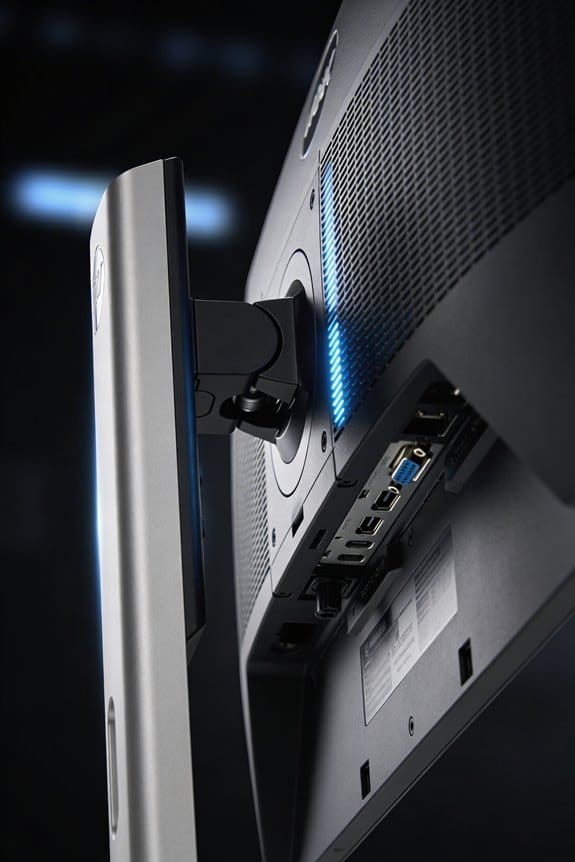
Ever notice how your favorite story game looks totally different from your go-to competitive shooter? That’s because they really do need different things from your display. The monitor you use should match what you’re actually playing, and honestly, trying to do both with the same settings is just compromising on both fronts.
For story-driven games, picture quality wins. When you’re diving into Cyberpunk 2077 or Alan Wake 2, you want every detail to look sharp and gorgeous. The 4K 240Hz mode delivers exactly that—3840 x 2160 pixel density means those games look crisp, the 98.5% DCI-P3 color accuracy makes the colors pop, and OLED’s infinite contrast ratios give you true blacks and bright highlights without washing anything out. You’re not rushing through these moments, so taking the extra frames to show off rich visuals just makes sense.
Competitive shooters? Different story. When you’re playing fast-paced FPS titles, speed beats everything else. You need your display to react instantly—we’re talking 0.03ms response time—so your mouse flicks and aim adjustments show up on screen right now, not half a second later. The 1080p 480Hz configuration keeps up with your reflexes, and the tear-free gameplay means no distracting stutters when things get hectic. Why does this matter? Because in competitive play, that split-second advantage can be the difference between a win and a loss.
Here’s the trick: you don’t have to pick one or the other. A single hotkey switch lets you flip between these two modes instantly—no digging through menus, no waiting for settings to apply. You’re basically getting two perfect monitors in one device, ready to match whatever you’re playing right now.
Recommended Products

32-inch 4K (3840 x 2160) QD-OLED gaming monitor with 240Hz refresh rate and 0.03ms response time (GTG) for immersive gaming

32-inch 4K (3840 x 2160) QD-OLED gaming monitor with 240Hz refresh rate and 0.03ms response time (GTG) for immersive gaming

How Switching Between 4K 120Hz and 1080p 480Hz Works
Ever wondered why some monitors let you flip between crystal-clear 4K gaming and crazy-fast 1080p without fumbling through menus? Truth is, it comes down to the cables and tech running behind the scenes.
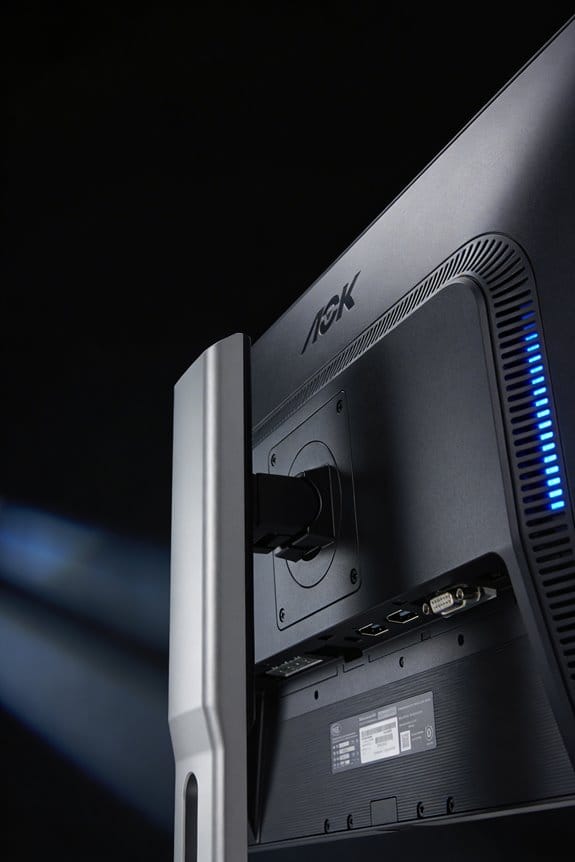
Your monitor needs the right connections to pull this off. DisplayPort 1.4 and HDMI 2.1 both pack enough bandwidth to handle the heavy lifting—pushing 4K at 120Hz or 1080p at 480Hz down the same wire. Without these newer standards, you’d be stuck.
Here’s where it gets practical. When you hit that hotkey on your keyboard, the monitor’s firmware kicks in and reorganizes everything in seconds. It scales the resolution, bumps the refresh rate up or down, and redirects how pixels get displayed. No menu diving. No restart needed.
So, why does this matter? Because during intense gaming sessions, you don’t want lag or stuttering while your display reconfigures. The OLED panel itself stays put—it’s the electronic controllers that redirect the pixel addressing patterns, making the switch feel instant and keeping your image stable the whole time.
The best part is you’re getting real flexibility here. Want buttery-smooth competitive gameplay at 1080p 480Hz? Switch. Need stunning visuals in a story-driven game at 4K 120Hz? Switch right back. It all happens without losing image quality or introducing weird artifacts.
Frankly, if your monitor supports this and your cables check out, you’ve got a powerful tool for different gaming scenarios. The hardware’s doing the heavy work so you don’t have to.
Recommended Products

【Powerful Storage】: 32GB DDR5 SDRAM Memory, 4TB Solid State Disk

NVIDIA Ada Lovelace Streaming Multiprocessors: Up to 2x performance and power efficiency

NVIDIA Ada Lovelace Streaming Multiprocessors: Up to 2x performance and power efficiency
Response Time, Burn-In, and OLED’s Trade-Offs
Response Time, Burn-In, and OLED’s Trade-Offs****
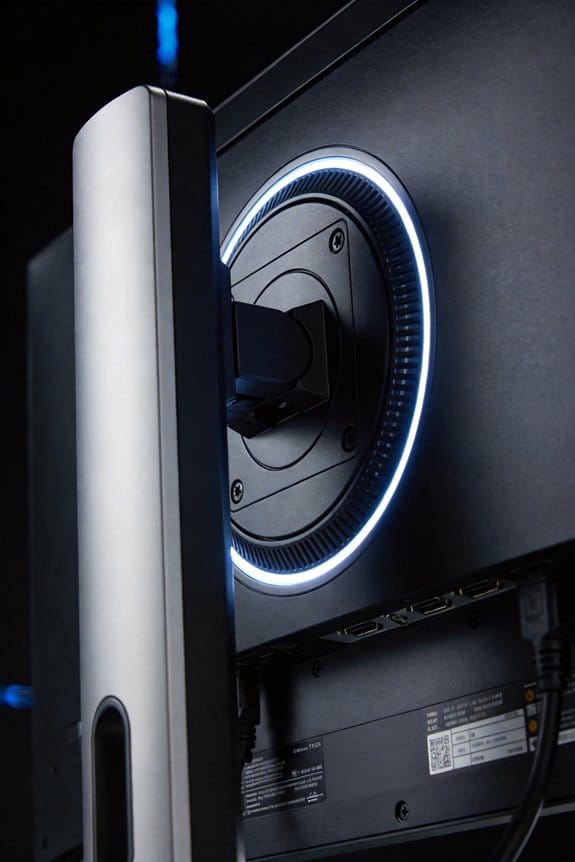
Thinking about jumping to an OLED monitor for gaming? You’re probably drawn to those lightning-fast response times—and for good reason. OLED panels hit 0.03ms Gray-to-Gray, which means pixels shift almost instantly. During competitive gameplay, that translates to zero motion blur. It’s genuinely impressive tech.
But here’s the catch: that same OLED panel can develop burn-in. Yep, if you leave a static image on screen for too long, it can permanently mark your display. It’s not a myth—it’s a real limitation you need to think about.
The speed advantage does come with some perks worth mentioning:
- You can switch between 4K and 1080p without any lag getting in your way
- No annoying artifacts popping up during resolution changes
- Most manufacturers back their panels with two-year warranties that cover burn-in damage
So, why does this matter? Because OLED’s strengths don’t come alone. You’ll also run into VRR flicker when frame rates dip in darker scenes. The matte coating that protects the panel actually makes the screen look dimmer than you’d expect. And if you’re playing in 1080p, you might notice a texture or graininess that wasn’t there at native resolution.
Honestly, it all comes down to what you’re willing to live with. Are you the type to leave your desktop visible for hours? Then burn-in might keep you up at night. Do you mostly play fast-paced competitive games in well-lit rooms? That’s where OLED really shines.
The bottom line: OLED delivers real performance benefits, but you’re trading long-term durability for those gains. Before you commit, ask yourself which matters more to your setup.
Recommended Products

BRIGHTNESS BOOSTER MAX: The LG OLED evo shines even brighter than before. Brightness Booster Max technology magnifies each individual pixel for luminous quality that shines with every detail.

NQ4 AI Gen3 Processor: Powered by 128 neural networks to deliver AI-enhanced picture and optimized sound, resulting in an exceptional 4K experience for streaming, gaming, live sports and more | Glare Free: Watch everything you love without distracting reflections so you can get lost in your content —even with sun streaming through your windows or that one lamp you keep on while watching the latest thriller

QD-MINI LED: This premium level Mini LED TV, now with the New TCL Halo Control System, ensures a stunning viewing experience.
Choosing Your Dual-Mode Monitor: DisplayPort, Warranty, and Budget
Choosing Your Dual-Mode Monitor: DisplayPort, Warranty, and Budget
So you’re thinking about dropping serious cash on a dual-mode OLED monitor, but you’re not sure which boxes actually matter? There’s a lot of hype around these displays, and honestly, most of it comes down to three things: what DisplayPort version you’re getting, what the warranty actually covers, and whether the price makes sense for your wallet.
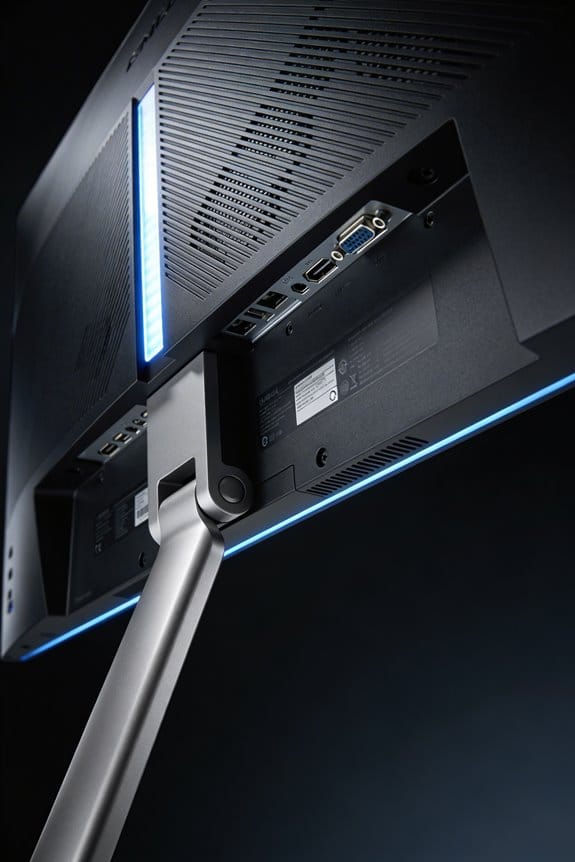
Let’s talk DisplayPort first. Not all DisplayPort connections are created equal. Some monitors tout DisplayPort 1.4 with the full 80Gbps bandwidth, while others cut corners with older specs or reduced bandwidth. The difference? That full 1.4 bandwidth is what keeps your monitor switching between modes smoothly without stuttering or weird refresh rate hiccups. If you’re paying premium prices, you want the real deal—not a watered-down version.
Warranty coverage is where I see people mess up. Most dual-mode OLED monitors come with a two-year warranty that covers burn-in, which is genuinely important. OLED screens can develop permanent damage if you’re not careful, so that protection isn’t just fluff—it’s actual insurance. Here’s the trick: read the fine print. Some warranties have annoying limitations, so don’t just assume two years means two years of complete coverage.
The budget piece is tricky because you’re looking at a significant investment. Dual-mode OLED technology costs way more than your standard gaming monitor, and you need to decide if the performance jump justifies emptying your wallet. Try this approach: figure out what features matter most to you, then find the monitor that hits those marks without overspending on extras you won’t use.
When you’re ready to buy, make sure your final choice checks three boxes: true DisplayPort 1.4 support, solid warranty terms without sneaky restrictions, and a price that doesn’t leave you regretting the purchase six months down the line. Does that lineup work for your setup?
Recommended Products

FAST 16” OLED QHD+ 240Hz DISPLAY — Truly designed for the competitive gamer with 0.2 ms response time, featuring a VESA ClearMR 11000 rating and DisplayHDR 500 certified to ensure minimal blurring and vivid colors (1M:1 contrast ration and 100% DCI-P3)

45" 21:9 800R Curved OLED - With a huge 45” display, 21:9 aspect ratio and a dramatic curved OLED screen, you’ll feel like you’re actually in the game. Experience next-level gaming performance with LG UltraGear OLED.

FreeSync Premium Pro technology allows HDR gaming without distorted images or slow inputs.
Frequently Asked Questions
Can Dual-Mode Monitors Improve Performance in Racing Games Through Dynamic Mode Switching?
Like a driver choosing between precision and speed, I’d say yes—dual-mode monitors genuinely enhance racing games. You’ll switch between 4K 240Hz for dynamic resolution detail and 1080p 480Hz for competitive responsiveness, amplifying both racing immersion and performance simultaneously.
What Audio Features Complement the Visual Performance of Dual-Mode OLED Gaming Monitors?
I’d say you’ll experience immersive sound through integrated DTS Headphone:X technology that provides 3D audio spatialization. The 4-pole headphone output and pixel sound technology guarantee audio synchronization with your visuals, delivering realistic gaming experiences that match the monitor’s exceptional visual performance.
How Does Screen Shrinking Affect the 1080P Gaming Experience on 32-Inch Displays?
I’ll tell you that screen shrinking virtually downsizes your 32-inch display to 27 or 24 inches when you’re in 1080p mode. This resolution impact minimizes pixelation and improves visual clarity, so you’ll experience sharper competitive gaming without that stretched appearance.
Are Ergonomic Stand Adjustments Important for Competitive Gaming at 480HZ Refresh Rates?
I’d argue they’re essential. You’ll gain competitive advantage through proper ergonomic benefits—tilt, height, and swivel adjustments reduce fatigue during intense 480Hz sessions, keeping your aim steady and reaction times sharp when milliseconds matter most.
Does the Matte Coating Impact Visual Quality During Fast-Paced Competitive Gameplay Sessions?
I’ve found that the matte coating doesn’t steal your competitive edge. While it’s like wearing frosted glasses initially, you’ll discover the visual clarity remains sharp during fast-paced gameplay. The coating’s anti-glare benefit actually helps you stay focused when milliseconds matter most.